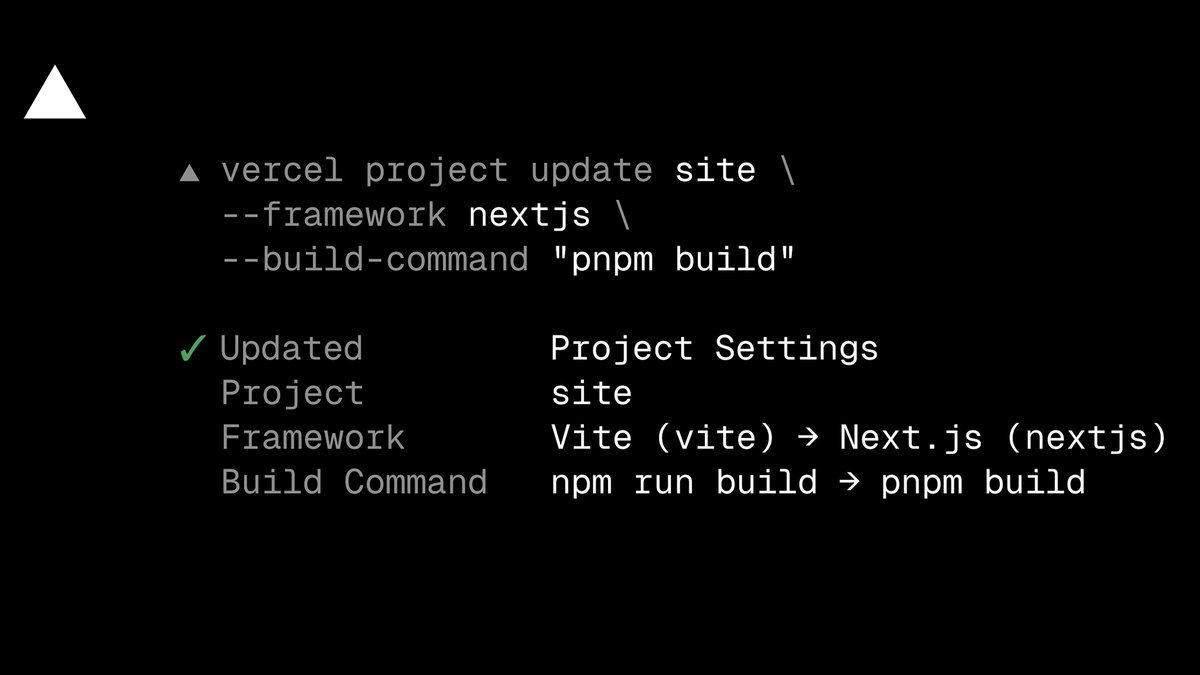
You can now update a project's framework preset and build settings directly from the CLI, without opening the dashboard.
Run vercel project update
from a linked project, or pass a project name directly:
▲ vercel project update my-project --framework nextjs --build-command "pnpm build"✓ Updated Project Settings Project my-project Framework Vite (vite) → Next.js (nextjs) Build Command npm run build → pnpm build
Settings can also be returned to automatic detection instead of an explicit override:
vercel project update my-project --auto-detect build-command,output-directory
For automation or further inspection, return the result as JSON:
vercel project update my-project --framework vite --format=json
JSON output includes whether anything changed, the list of changed settings, the project ID and name, and the requested settings. Output is written to stdout with no other output mixed in, so it's safe to pipe and parse.
Agents can use this to repair misconfigured projects end to end: after diagnosing a failed build, an agent can correct the framework preset, build command, or output directory and redeploy, without dashboard access. Invalid framework slugs and settings are rejected with suggestions before any API call is made.
Update the Vercel CLI to v54.21.1 or later with npm i -g vercel@latest
to get started. Learn more in the Vercel project documentation.
Sentinel — Human
This appears to be a straightforward, technically precise excerpt from official documentation or a tutorial, exhibiting strong internal coherence and specific structural patterns consistent with human-written technical content.