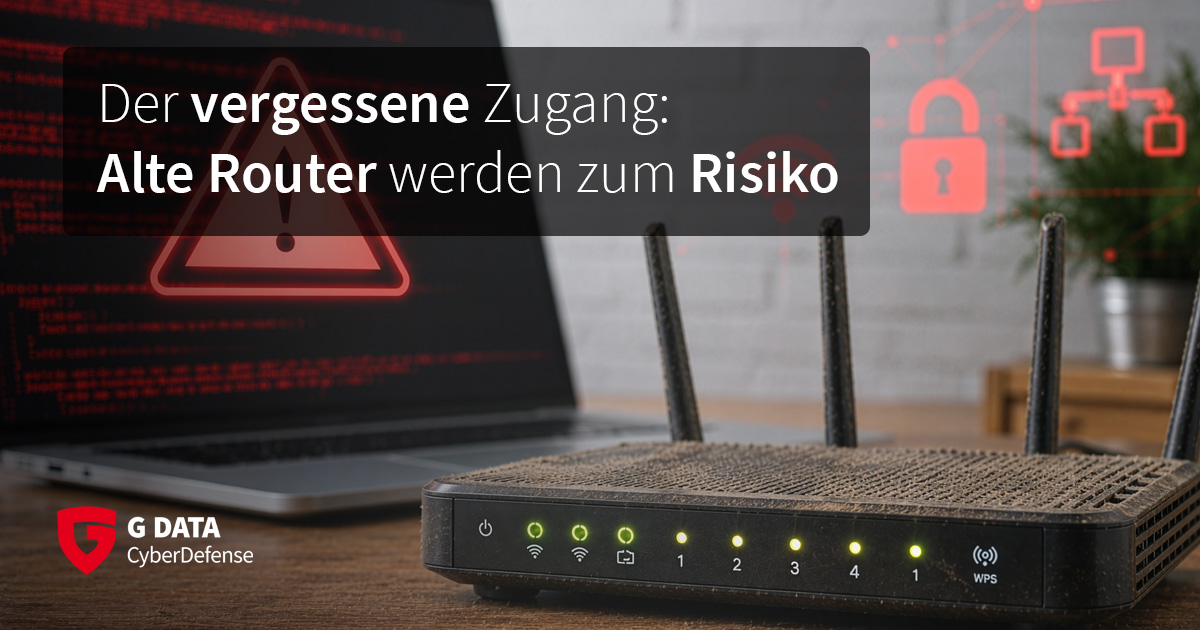
Do you know which router is currently sitting under your desk, in the corner of your hallway, or behind the coat rack in your home, accompanied by some dust bunnies? In most cases, the answer is likely to be a shrug. Let's take it a step further: When was the last time you updated your router's firmware? Here too, the range of answers is probably narrow, somewhere between "Never", "I had no idea updating them was even a thing" and "It's been a while." If that's your answer, you're in good company.
Old Hardware, Newly Exploited
Security researchers at Qianxin recently revealed that hundreds of legacy devices are currently being targeted by unknown attackers. The primary targets are router models from Linksys and D-Link, as well as NAS systems from QNAP. However, many other models are also potentially vulnerable. What these devices have in common is that they all contain a particular network chipset that was widely installed between 2012 and 2015. Specifically, it is a Realtek chipset from the RTL819X family (where the "X" stands for one or more digits).
To compromise vulnerable routers, the attackers are exploiting several older security flaws. Specifically, these are the vulnerabilities identified as CVE-2013-3307, CVE-2016-5681, and CVE-2025-11837.
This network chipset is not only used in routers but also in network-attached storage devices, commonly known as NAS systems. These are found in both business environments and many private households. Infections have already been confirmed on 4,300 devices worldwide, with the majority located in South Korea and China. That number is expected to grow over time. These vulnerable devices have not received security updates for quite some time, leaving any existing vulnerabilities permanently unpatched.
A Legacy Problem Caused by Missing Updates
The fact that older devices which have reached the manufacturer's end of support can become a security risk is nothing new. Nor is the fact that devices that have already been discarded may still contain sensitive or even critical data—we have covered that topic elsewhere.
Cases like this, however, demonstrate that security plays a crucial role at every point within a network. It's not only the devices we use every day or keep on our desks that need to be properly secured; the hardware quietly working away in the background also deserves attention. It's often there, beneath a thick layer of dust, that forgotten legacy devices are hiding—devices either nobody even realized were still there, or had no idea that they need to be taken care of.
Stay Up to Date
Regularly check whether firmware updates are available for your internet router or NAS device. Many manufacturers maintain dedicated pages listing models that have reached the end of support and will no longer receive updates. To find these lists, simply search for "(router manufacturer) End of Support List" in your preferred search engine. Replace the placeholder with your router's manufacturer—for example, "TP-Link."
Depending on the manufacturer, supported models may install updates automatically. In other cases, you must first download the latest firmware file from the manufacturer's website. It then typically has to be uploaded and installed through the router's web-based management interface. Your device's manual will explain the correct procedure. In any case, be sure to back up your router's configuration beforehand, unless this happens automatically—better safe than sorry.
Once a router no longer receives security updates—or after about five years at the latest—it should be replaced. This not only ensures continued access to the latest security updates, but also provides better support for faster internet connections and newer Wi-Fi standards than, for example, a twelve-year-old device. By IT standards, such a device is practically ancient.
Sentinel — Human
This analysis is highly probable to be human-written journalistic content, characterized by structured problem-solving and specific technical details, rather than synthetic generation.